
The Invisible Product Problem
Every e-commerce store owner shares the same nightmare: launching a new product only to find it utterly invisible in Google search results. You’ve done the marketing, you’ve uploaded high-quality photos, but the sales aren’t coming. The core issue is almost always a failure in technical SEO indexing, leading directly to the Shopify Products Not Ranking problem.
- You will learn why Google is secretly ignoring your beautiful new product pages.
- Furthermore, we show you how to audit and fix the complex canonical tag errors that steal your product authority.
- We detail how to instantly stop wasting valuable Crawl Budget, allowing Google to find your products faster than your competitors.
- In addition, you will find a 5-Step Troubleshooting Checklist to ensure you are never invisible again.
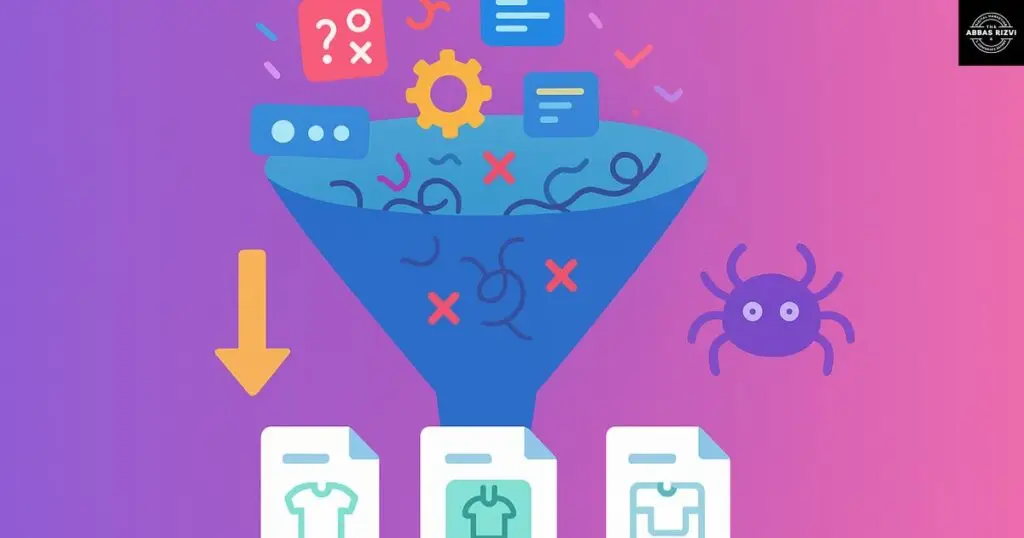
Canonical Tags: The Hidden Killer of Shopify Indexing Authority
Indexing problems often begin with something called Canonical Tag Confusion. Think of a canonical tag as a unique ID card for every single page on your website. When Google visits, it looks for this card to find the one, true, original version of your content.
The Duplication Disaster on Shopify
Shopify is designed for easy selling, but its URL structure often creates technical SEO issues behind the scenes.
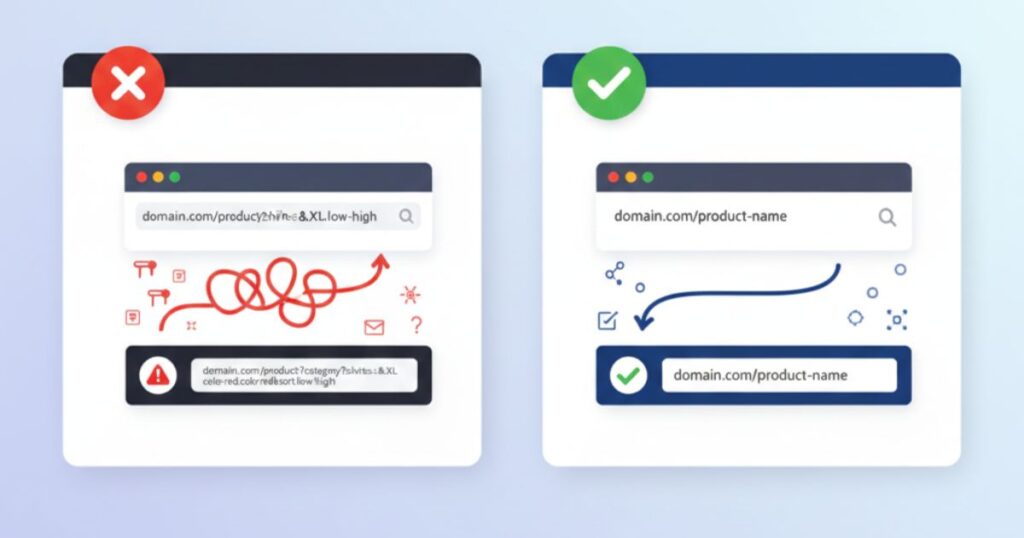
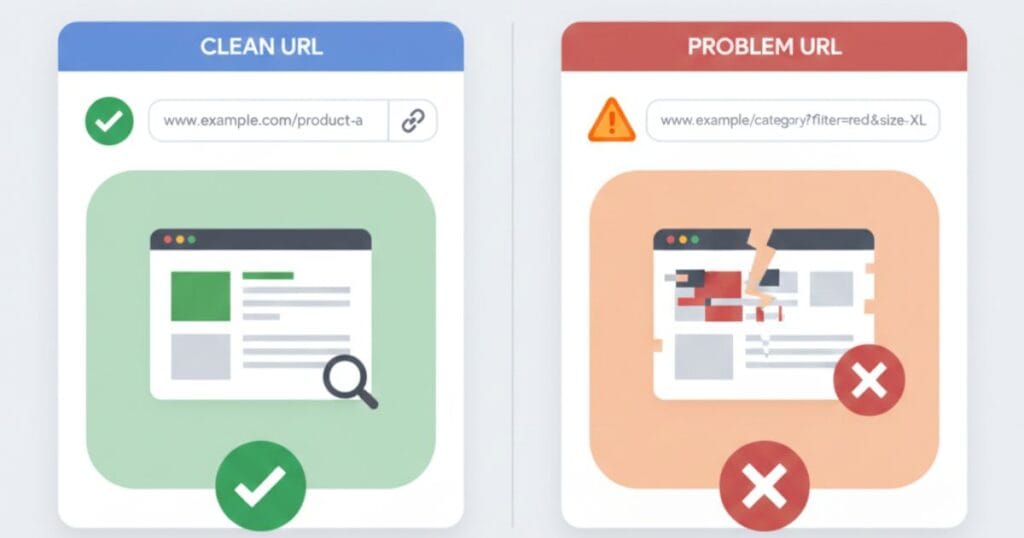
- The Problem Explained Simply: If you sell a “Red Running Shoe” and a customer finds it through three different pathways—the “New Arrivals” collection, a filtered search for “size 10,” or the main product page—Shopify can sometimes generate slightly different URLs for each path. Consequently, Google sees three separate pages for the same product. When Google sees duplicates, it often can’t decide which one to rank, so it ignores all of them. This is the definition of invisible.
- By applying these technical yet simple fixes… You resolve the Shopify Products Not Ranking issue forever.”
The Strategic Fix: Claiming Authority
- The Goal: You need every duplicate URL to tell Google, “I am a copy; please rank the main product page instead.” This is what the canonical tag is for.
- Actionable Step (No Code Required): To fix this, you must install an SEO app (like AIOSEO or a dedicated app) or adjust your theme settings to enforce a Self-Referencing Canonical. This ensures that the page always points to the simplest version of its own URL. Therefore, you concentrate all the ranking authority onto that single, profitable product page.
Stop Wasting Crawl Budget: Technical SEO Fixes for E-commerce
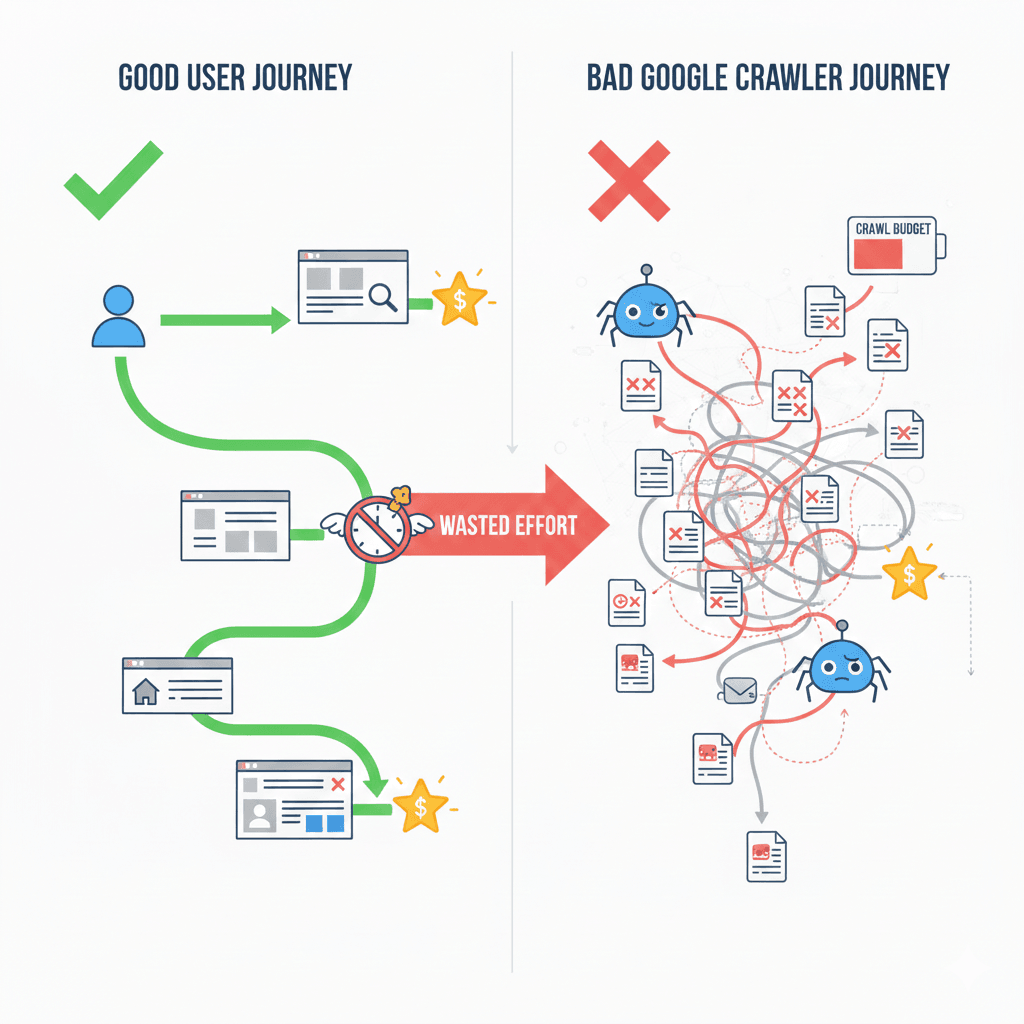
Imagine Google as a busy postal worker. Crawl budget is the limited time and resources Google is willing to spend delivering mail (indexing your products) to your website each day.
The E-commerce Crawl Leak
The more non-essential pages Google crawls, the less time it has to find and rank your new, important products.
- The Culprits: Internal site search results, sorting options (e.g., sort by low price), and filter combinations (e.g., blue + cotton + size large). These features are great for users, but they create a nearly infinite number of low-value pages that Google wastes time on. In addition, if Google spends all its time crawling thousands of pointless filter combinations, it might never find your new launch.
- The Strategic Fix: Using Robots.txt as a Gatekeeper: You manage this leakage using a file called robots.txt. This file is your website’s rulebook for Google. Consequently, you must use this file to explicitly block Google from crawling those junk parameters. For complete guidance on managing this file, consult Google’s official Robots.txt documentation. This forces Google to redirect its valuable energy only to the product pages and collections that generate revenue.
Advanced Tip: The Power of Internal Linking
- The Principle: Google prioritizes pages that are easy to find. Therefore, ensure your new products are linked directly from your homepage, category pages, or high-traffic blog posts. This simple action tells Google, “This page is important; crawl it immediately.”
The 5-Step Post-Fix Troubleshooting Checklist
Fixing indexing is rarely a one-step process. After you implement the Canonical and Crawl Budget fixes, follow this checklist to verify your work.
- GSC Inspection: Use the Google Search Console URL Inspection Tool. Paste the URL of your invisible product. Does the report show “URL is on Google”? If not, check the report for specific reasons (e.g., “Page with redirect,” “Noindex detected”). In short, GSC is your first line of defense.
- Sitemap Verification: Confirm that your sitemap is submitted correctly and that the number of indexed pages is increasing. If not, your sitemap may contain errors or your crawl budget is still too small.
- Check for Broken Redirects: A common e-commerce mistake is having product redirects that loop endlessly (Chain Redirects). Therefore, check your product URLs to ensure they resolve to the final page in a single step.
- Audit Speed Score: A slow site (below 90 Mobile PageSpeed) tells Google your site is a poor experience. Consequently, Google may slow down its crawl rate. Check your PageSpeed Insights score—a healthy score (like 90+) signals a healthy site.
- Submit for Recrawl: Once everything is clean, use the Request Indexing feature in GSC. However, only do this after fixing the underlying problems, or you will waste the request.
Frequently Asked Questions (FAQs) (Approx. 150 words)
- Q: How long does it take for Google to index a fixed product page?
- A: Generally, after requesting indexing in GSC, it takes anywhere from 48 hours to two weeks. The faster your site speed is, the faster Google prioritizes your crawl.
- Q: Why does a low PageSpeed score affect product indexing?
- A: In short, a slow site reduces your crawl budget. Google limits the time it spends on sites that provide a poor user experience.
- Q: What is the main difference between a Canonical Tag and a 301 Redirect?
- A: In addition, a 301 redirect is a permanent move to a new URL, while a canonical tag suggests a preferred version of a page that is still technically accessible.
- Q: Should I worry about my old, out-of-stock products?
- A: Typically, no. If a product is out of stock permanently, you should redirect it to a relevant category page. If it is temporary, keep the page but ensure the canonical tag is correct.
- Q: My products are indexed, but they rank poorly. What’s next?
- A: This is a strategic problem. Once indexed, the issue shifts from technical SEO to content authority and link building. You need a different strategy to boost relevance.
Final Thoughts: Stop Losing Sales. Start Ranking.
Indexing is the most critical function of your e-commerce site; without it, you simply don’t exist online. By applying these technical yet simple fixes—mastering your canonical tags and reclaiming your crawl budget—you transform your store from a technical liability into an indexed, revenue-generating machine.
The shift from confusion to clarity is the difference between surviving and thriving in e-commerce.
- Therefore, if your store is still suffering from technical blocks or persistent speed issues (like that stubborn LCP), we offer specialized [Technical SEO strategy audits]. We provide hands-on execution to guarantee results.
For example, to tackle the second biggest problem, read our full guide on [Achieving the Perfect 90+ Mobile Speed Score].